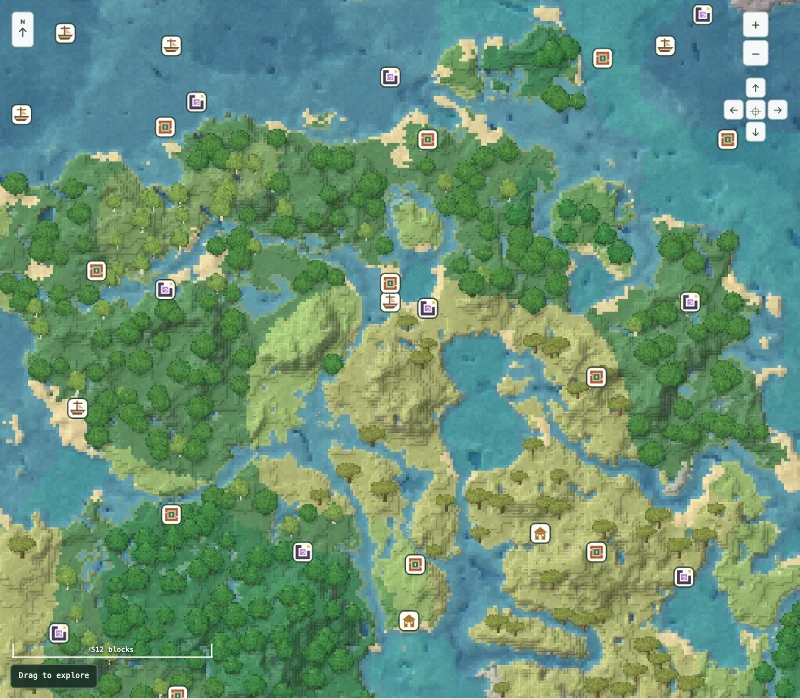
Java 1.21.1 · Water routes
River country and a beached shipwreck
0A short seed with several different destinations around the map origin. Start with the shipwreck and portal, then decide whether to travel south to the village.
 SeedMapKitMINECRAFT · SEED MAP
SEEDMAPKIT · MINECRAFT
Start with a checked seed route, or enter your own world. Compare the terrain, open structure markers and keep the places you want to visit.
Each featured world includes our map preview and coordinates checked in the official game server.
These routes are chosen for their destinations, not a promise of perfect loot or a building at spawn. Open a preview to explore, or read the guide for the checked coordinates.
0A short seed with several different destinations around the map origin. Start with the shipwreck and portal, then decide whether to travel south to the village.
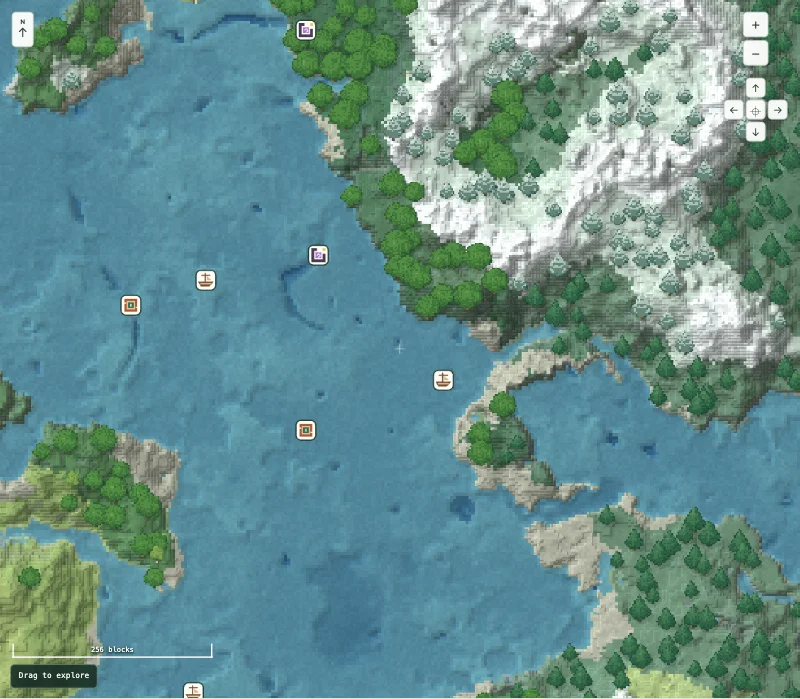
12345Three checked structure start chunks sit within a few hundred blocks of the origin. The village gives you a longer follow-up journey once you have explored the first area.
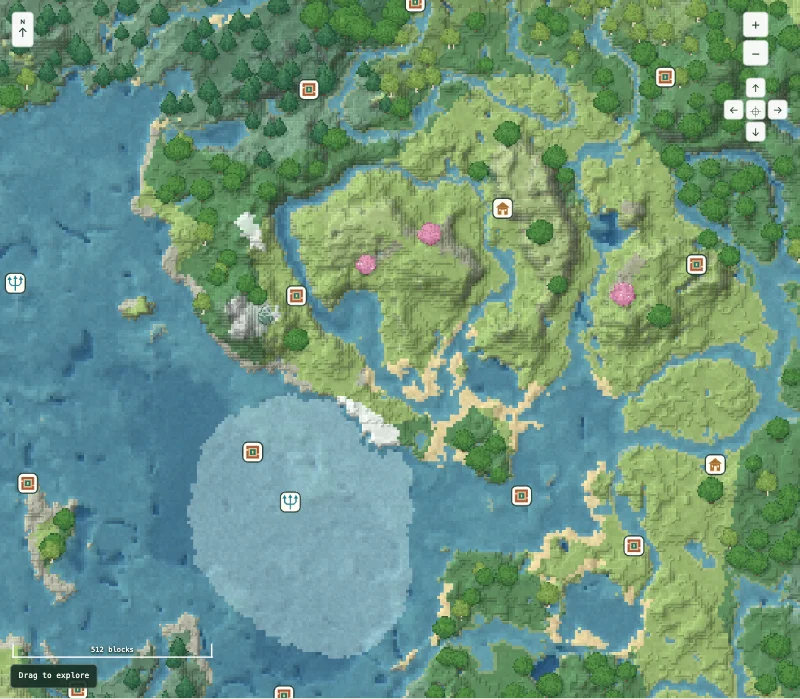
-12345A village near the origin and an ocean monument to the southwest give this seed two very different planning goals. Keep the minus sign when entering the seed.
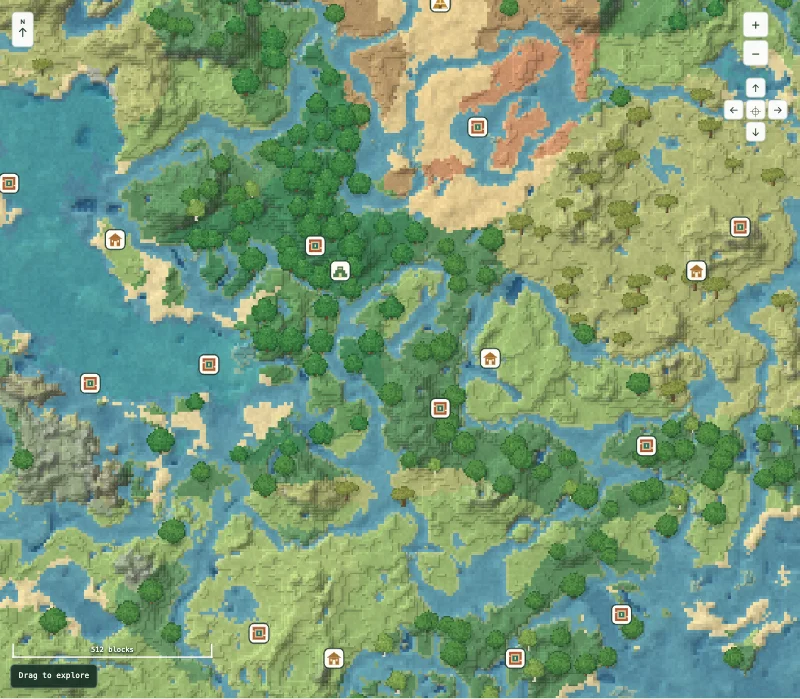
24680Use the village as a chosen reference point, then compare a northbound jungle-temple trip with a longer journey toward a desert pyramid.
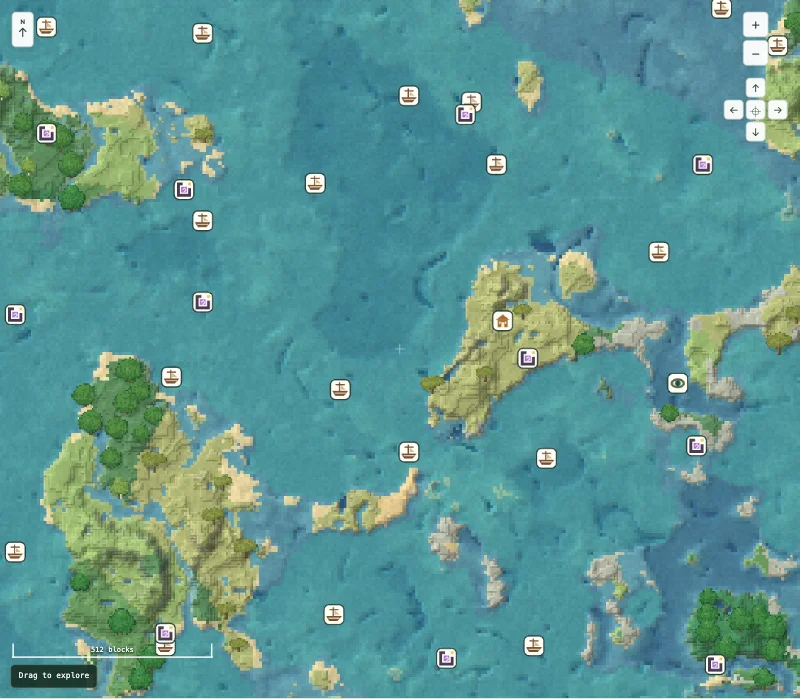
-987654321A shipwreck near the origin, a village farther east and a stronghold beyond it make a useful route to compare at two map scales.
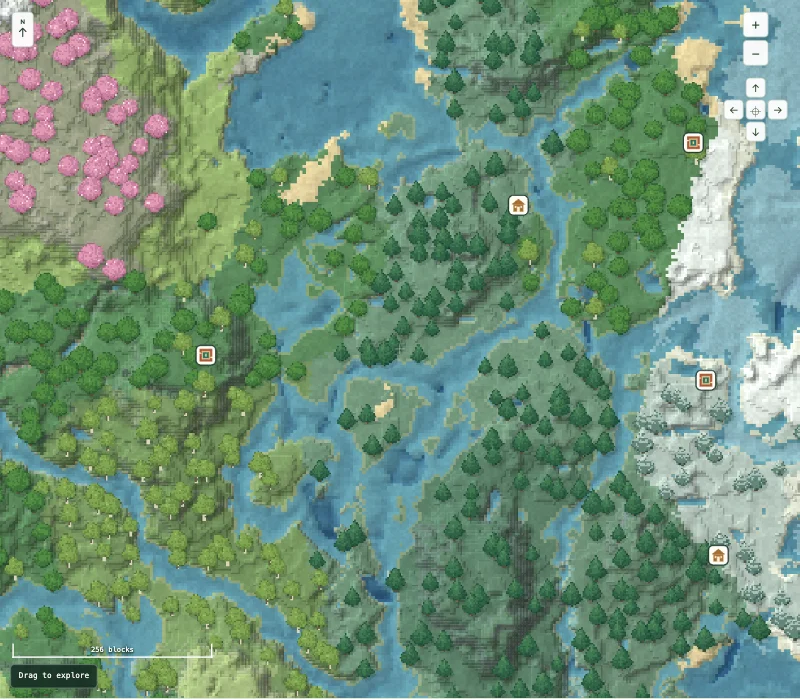
2026This seed places a checked trial chamber start in the origin chunk, with a village to the east. The two locations serve different purposes above and below the surface.
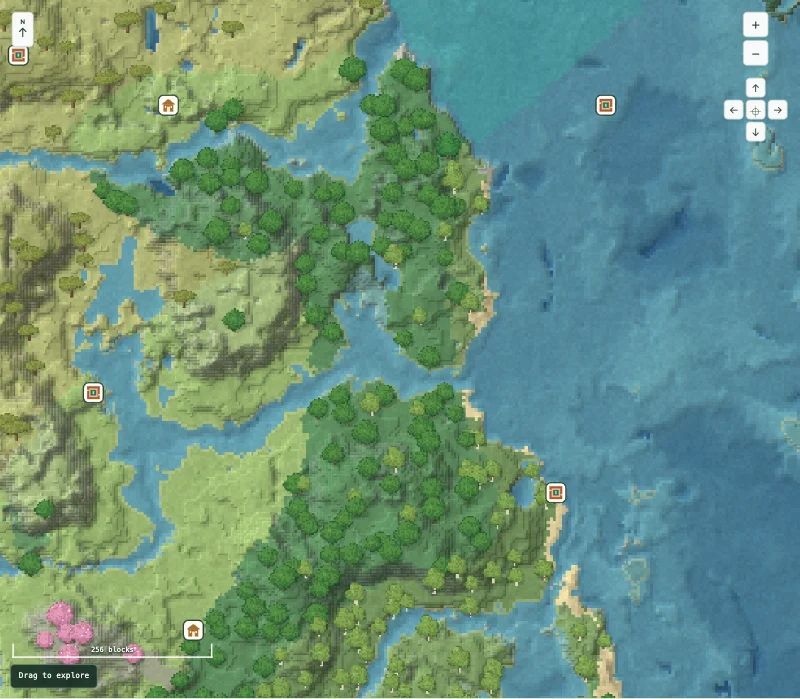
8675309Two checked destinations point you in different directions from the map origin. Choose between a village visit and a separate underground expedition.
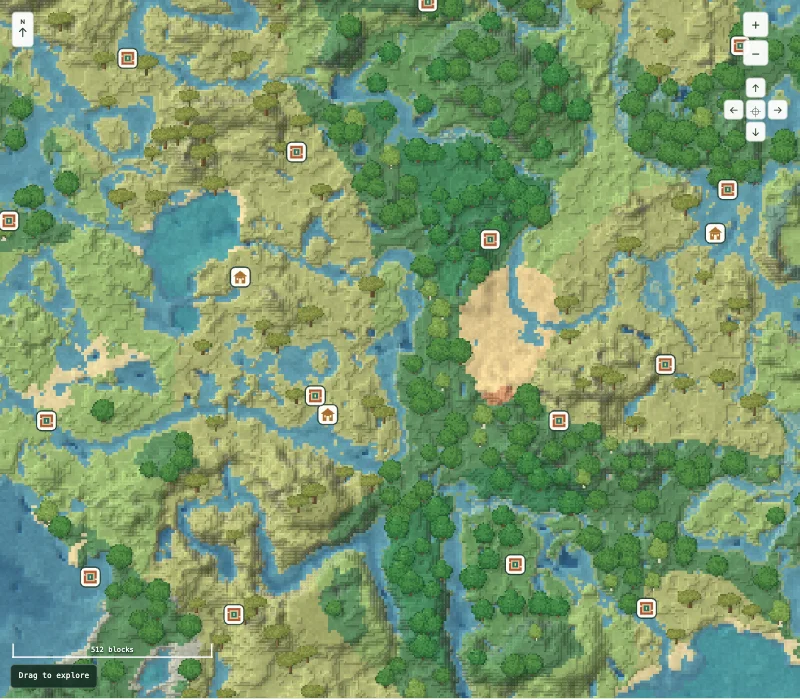
314159265A village northwest of the origin and a trial chamber southeast of it make two separate destinations. Their checked starting chunks are about 895 horizontal blocks apart.
Recent maps are stored on this device, separately from your named saved views. Manage browser storage.
Move across the overhead map, then switch to 3D to inspect the same calculated terrain from an angle. Trees are illustrations; structure markers are predicted starting chunks.
Follow the illustrated guide →Use the structure finder when you know what you want to visit. A matching edition, version and seed matter more than a familiar-looking landscape.
Find a structure →Read about coordinates, version differences and planning a base. Keep a useful view in this browser or share a link to the location.
Browse practical guides →