
2D WORLD MAP
Minecraft seed map
Display
Map appearance
Vegetation and material styling are illustrative; terrain heights and biomes are calculated.
Structures
Structures on the map
Locations load after the terrain.
Predicted start chunks, not exact entrances. Some structures are underground.
Drag to pan. Click a marker or biome to inspect it. Ctrl + scroll to zoom. North is up; X increases east and Z increases south.
Map legend
Highlights sampled biome areas on the current map.
Find a biome or plan a slime farm
Search near the current map center. Biome searches sample one height; use an underground Y for cave biomes.
Calculate a 512-block area around the current map center.
Biome results use a 32-block sampling grid. A match is not guaranteed to be the nearest, and small patches can be missed. Slime chunks and spawn estimates are available in the Overworld.
PLAN YOUR NEXT STOP
Nearby structures
Search near your selected center. A prediction can differ from what generates in the game.
Search radius: 2,048 blocks from the selected X and Z.
Select a structure to see nearby candidate locations.
Explore a Minecraft Java seed before you travel
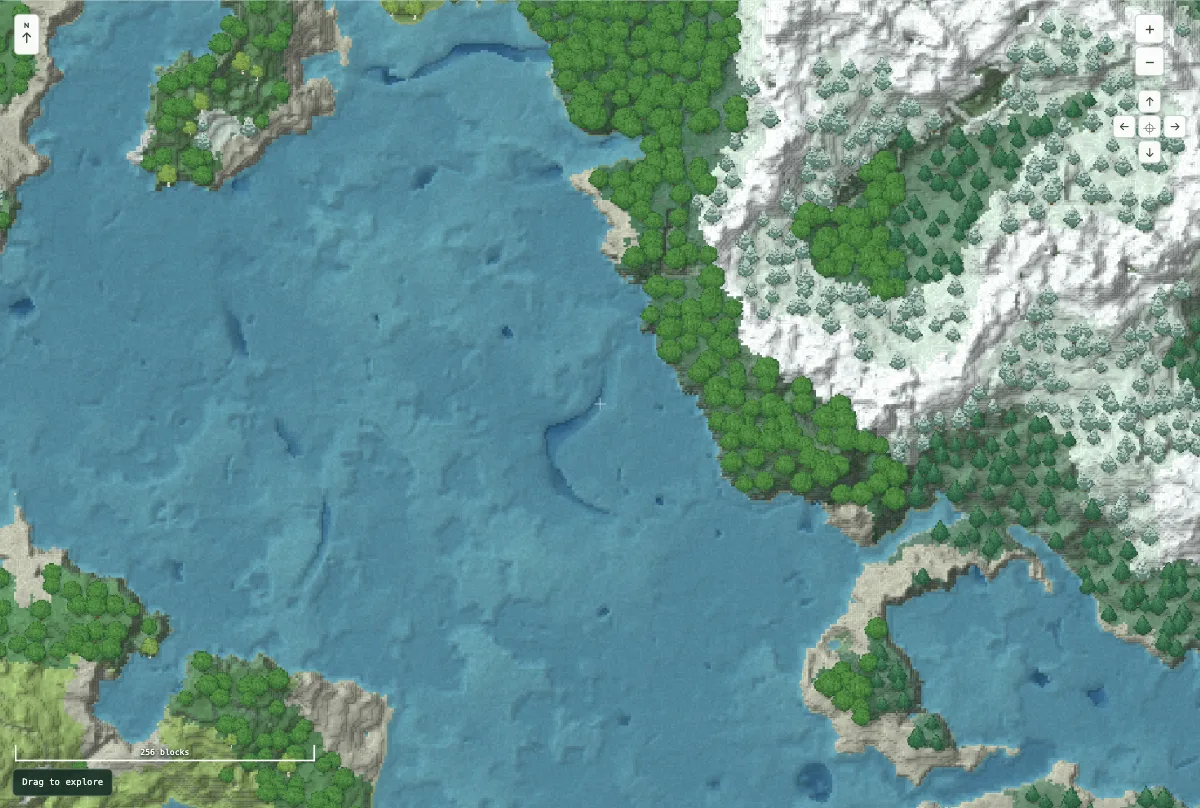
Enter the numeric seed from your world, choose its Java version and dimension, then explore. The Overworld terrain map follows calculated base heights and surface biomes. Switch to 3D for an angled view of the same landscape, or keep 2D for a clear overhead route-planning view. Nether and End currently use horizontal biome slices.
Turn a marker into a useful destination
Use Structures to show villages, monuments and other supported locations together. Click an icon to copy its X and Z coordinates. These are the centers of predicted starting chunks: an entrance, building or underground room can be elsewhere in that chunk or nearby. Distances in the popup are straight lines from the map center, not from your player.
Match the world before relying on a result
Keep the seed, Java version and dimension consistent. Bedrock, mods, custom datapacks and older generated chunks can change the result. Trees and material textures are illustrations; caves, finished blocks, ores and complete structure layouts are not generated by this map.
Read the map guide, open the structure finder, or use Help & troubleshooting if a location differs from your world. Saved views stay in this browser; copied links retain the settings needed to revisit a view.