
MINECRAFT · JAVA 1.21.1
Choose a Minecraft base or server world
Start with the kind of place your group wants to use. A beautiful map becomes useful when it answers a concrete question about space, travel or exploration.
Choose three requirements before browsing
Write a short brief: one building requirement, one travel requirement and one feature you would enjoy. For example: space for a town, water access for exploring and a village within a reasonable trip. Decide which of those is essential and which is optional.
Avoid changing the brief every time an attractive screenshot appears. A steep scenic island might be excellent for a small cliffside build and frustrating for a large shared town. Neither seed is universally better; the space has to fit the project.
For a server, agree on how much information players want revealed. Some groups enjoy planning all destinations together; others want only a starting region without structure spoilers. The map can support either approach by limiting the layers you display.
Compare the same area at the same scale
Use a consistent version, dimension, center and map width while comparing seeds. Beginning each at X 0, Z 0 makes the comparison repeatable, but does not establish their actual spawn points. You can use the spawn estimate for an initial orientation; confirm the real starting point in the game before planning a server meeting area. Once you know that location, use it as the comparison center.
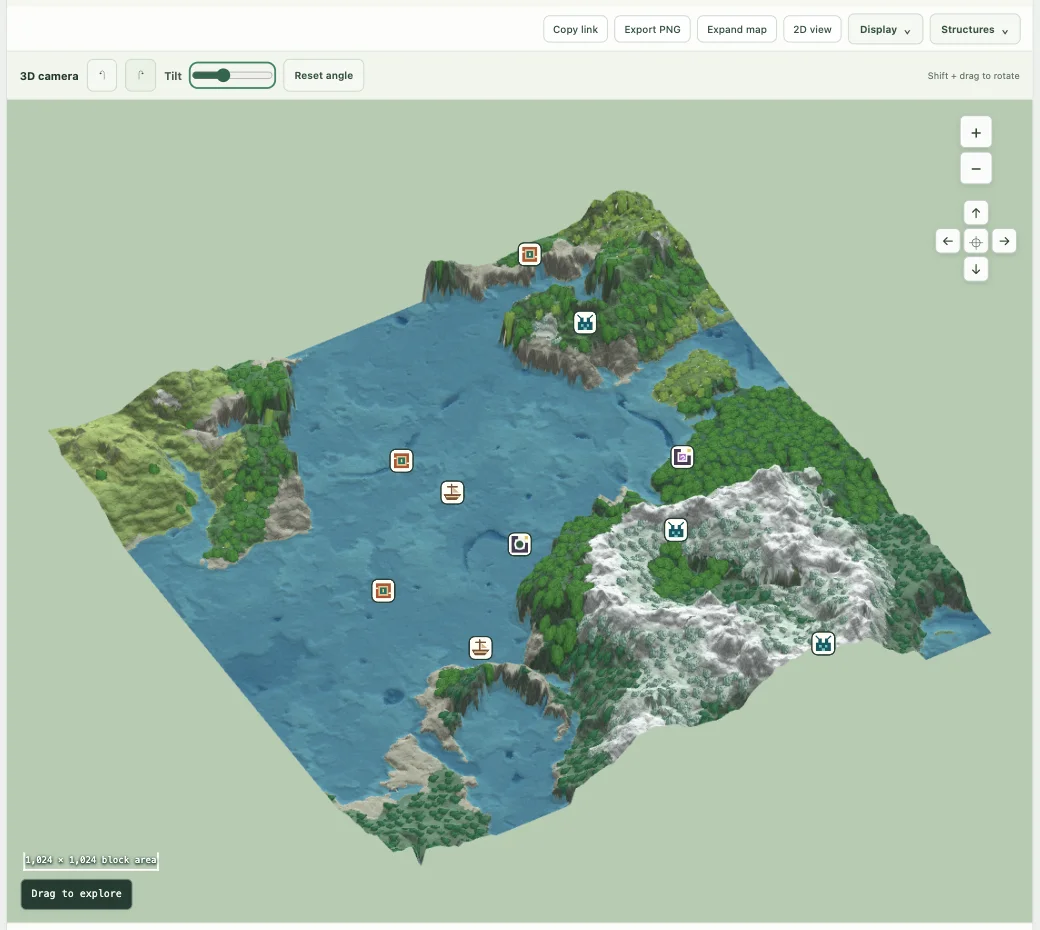
First inspect the broad arrangement of land, water and biomes in 2D. Then zoom closer to candidate building sites. Switch to 3D when relief helps you judge a slope; return to 2D for directions and distances. Illustrated trees and materials are visual cues, not a count of harvestable resources or an exact block survey.
A base with “room for a 100 × 100 build” needs an in-game measurement. A smooth-looking thumbnail can hide height changes, water or unsuitable ground. Use the map to shortlist places, then check the footprint in the real world.
Make a decision table you can actually use
| Goal | Map check | In-game decision |
|---|---|---|
| Shared town | Compare connected land and terrain changes | Measure space for paths, buildings and expansion |
| Exploration hub | Inspect coasts, rivers and nearby biome changes | Test a useful route and a return journey |
| Structure project | Find a supported candidate near the proposed base | Confirm the structure and its actual surroundings |
| Quiet survival start | Reduce marker layers and inspect a small region | Agree how much information the group wants shared |
Choose a distance budget that makes sense for your group. A destination 500 blocks away across accessible land may be more convenient than one 300 blocks away across a cliff or deep water. The finder reports straight-line horizontal distance, so it cannot decide that tradeoff for you.
Keep a small shortlist
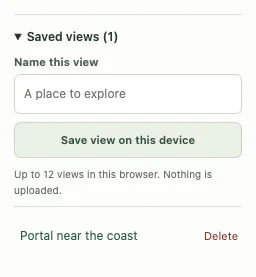
Save each promising location with a distinct name such as “west coast town candidate.” Record what you liked and what still needs checking. A copied link preserves the view for another device; a PNG is useful in a discussion but is not an interactive saved map.
Recent map history can help you reopen a world, but a deliberate saved name is better for identifying a chosen location. Choose two or three finalists rather than collecting dozens of indistinguishable numbers. Visit the place that would decide the choice: the building footprint, the first journey from spawn or the structure central to the plan. Confirm edition and generation version using the compatibility guide.
Before starting a server season
Record the chosen seed, default Java 1.21.1 generation and any intentional server settings. Minecraft’s Java server setup guide covers the world seed setting. A map is a planning aid, not a server installer or a migration tool.
For an existing server, preserve its world and backups. Choosing a new seed is a group decision with consequences for existing builds; do not replace a live world just because a preview looks better. If your group plays Bedrock or custom generation, use a compatible map for the final decision.
Keep exploring
All Minecraft seed guides · Map controls with screenshots · Troubleshoot a mismatch